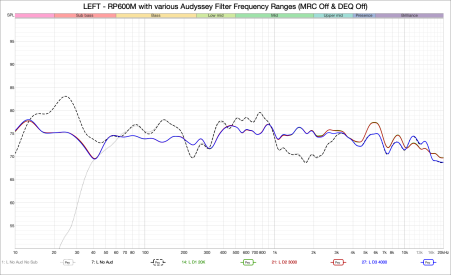
I don't know how to thank you enough! I tried every option with the right mouse button, but never directly on an overlay graph, and I was going crazy...
Can I ask you another question? For some time now, when I run sweeps in REW, I've often gotten more or less loud crackling noises superimposed on the sweep. This has happened with both my previous AVR (Arcam AVR20) and my current one (Marantz Cinema 30), both with W10 and after updating to W11. I've used different HDMI cables, uninstalled and then updated REW, reinstalled ASIO4ALL, and then installed and used FLEXASIO.
Of course, I've updated all my laptop's drivers, and I don't know what else to try. The crackling noises come and go seemingly randomly. Sometimes just exiting and re-entering REW is enough, while other times it takes restarting the laptop or trying repeatedly. What could be the cause? Could my laptop's HDMI output be having some kind of hardware problem (It only happens to me with REW sweeps. It has never happened during Dirac - or Audyssey - equalization)?
Ettore